Interactive games for company events

Every guest plays on their own phone, for themselves and for their table. Your MC hosts and a producer runs the big screen from a laptop. For year-end functions, conferences, team building, product launches and awards evenings.

A person replies to every request, by email, on South African business days.

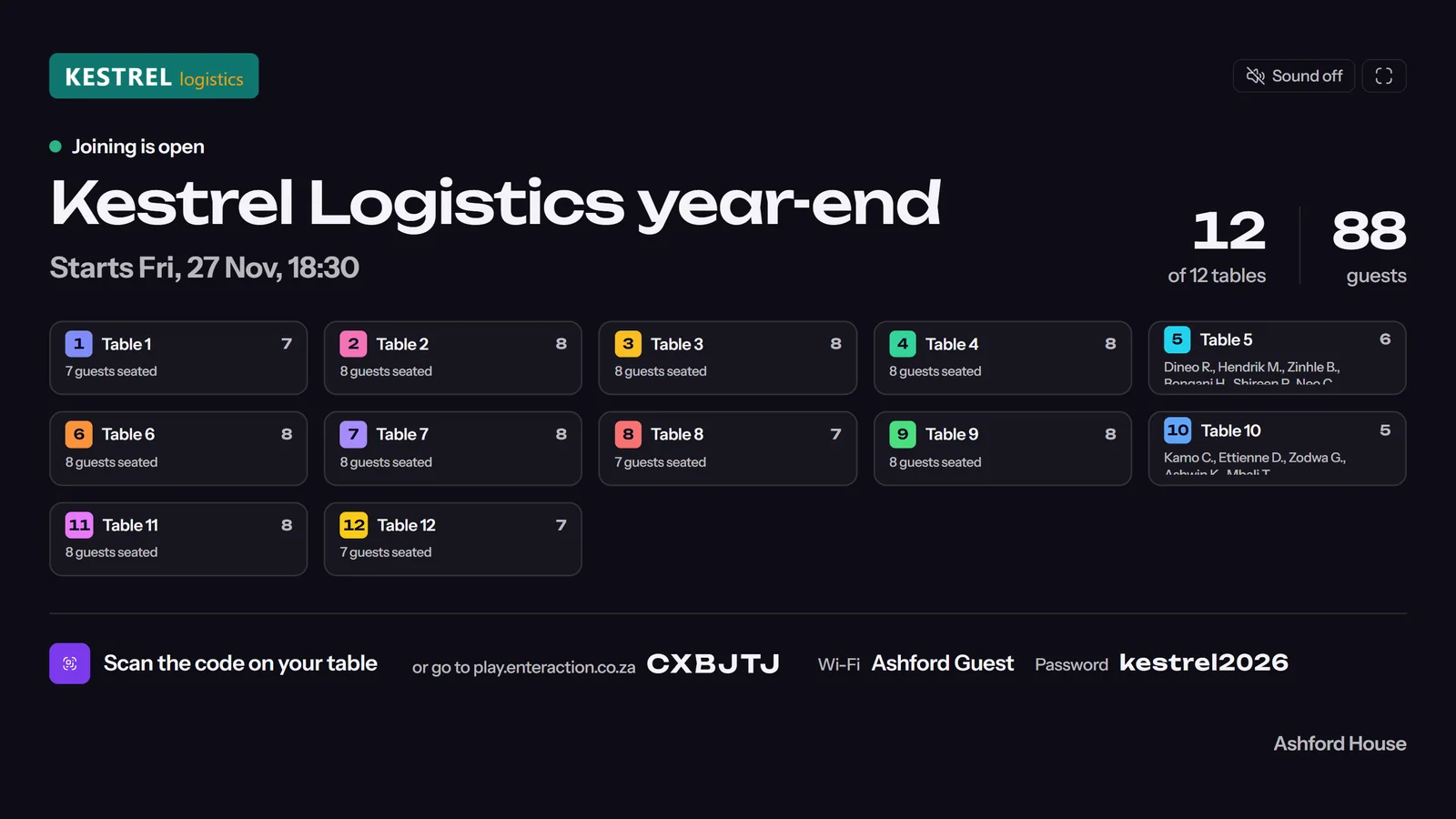
The big screen as guests arrive: Kestrel Logistics year-end, twelve tables filling up, the join code and the Wi-Fi details.
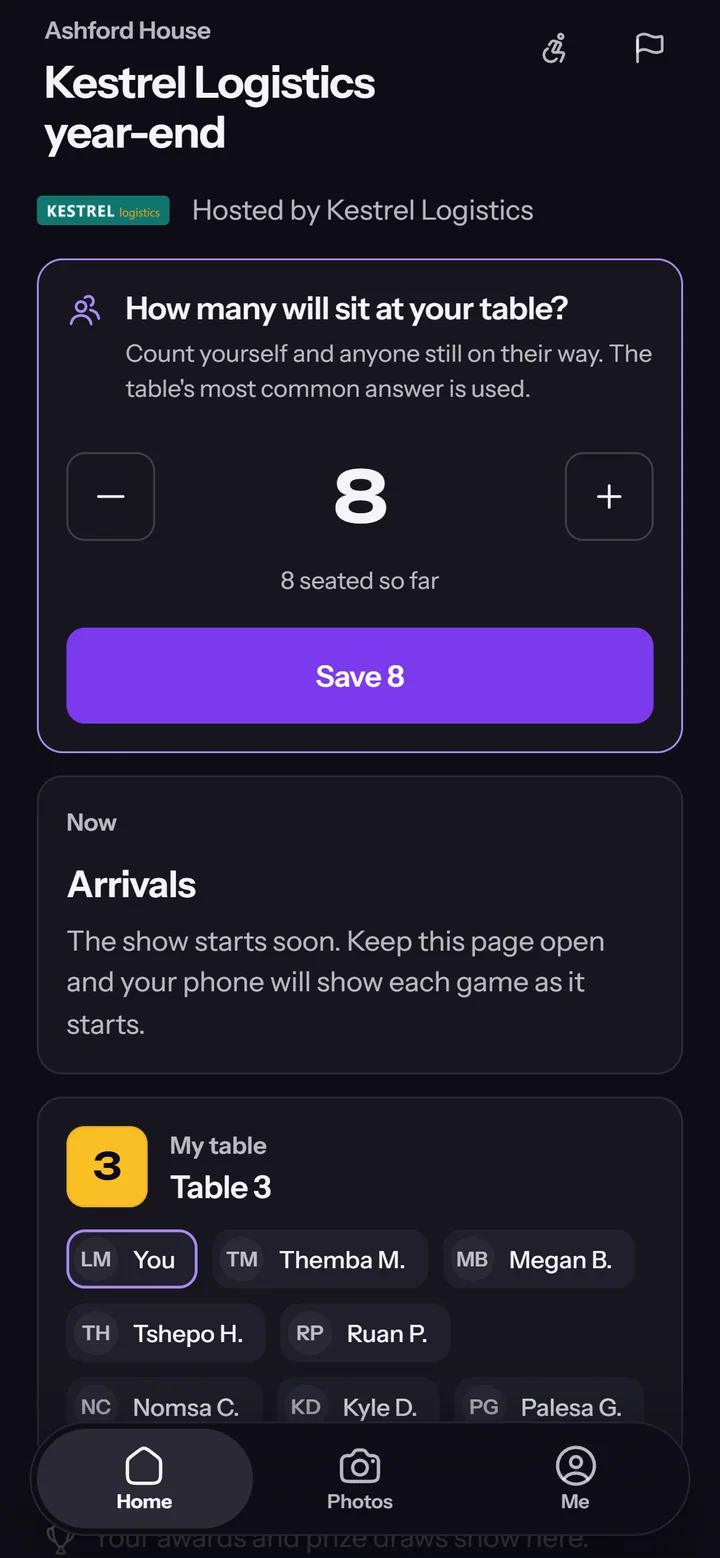
A guest’s phone before the show: the event, a headcount for their table and the people sitting at it.
The big screen and a guest’s phone as people sit down, at an example year-end. Every screen on this site is a real capture from a demo event with invented names.
No app for guests
They scan the card on their table and play in the phone’s browser.
Nothing unchecked on screen
Anything a guest types is screened first, and the producer can hold it for approval.
Data kept in South Africa
Hosted locally and handled under POPIA.
Rehearse before the day
Run a copy of the event on the real screens. It never counts.

Who uses Enteraction

How an event runs, in order

Every event on Enteraction is a running order: games, speeches, meals and awards, each with its time and who runs it. This is part of one, an example year-end for 88 guests.

  1. 18:30Arrivals

    Guests scan the card on their table

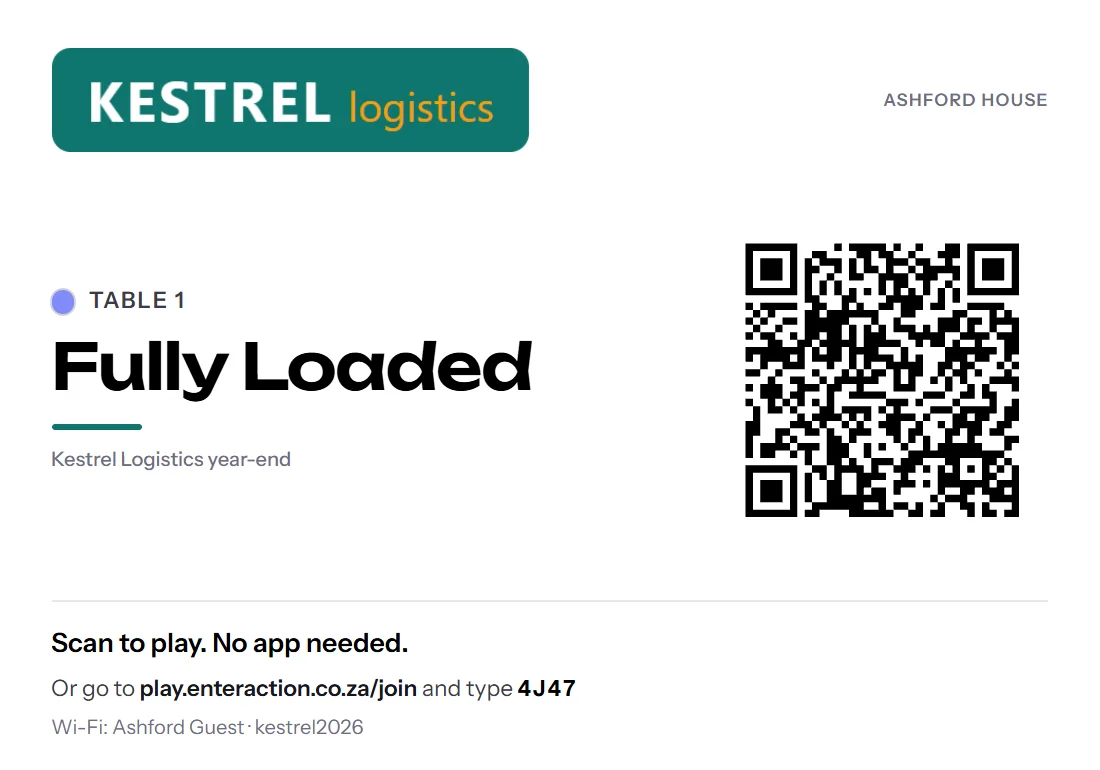
    Every table gets a printed card with a QR code and a four-character code. Scanning it puts the guest at that table, so all they type is a name. There’s no app to install and no account to make.

    Run by the venue team
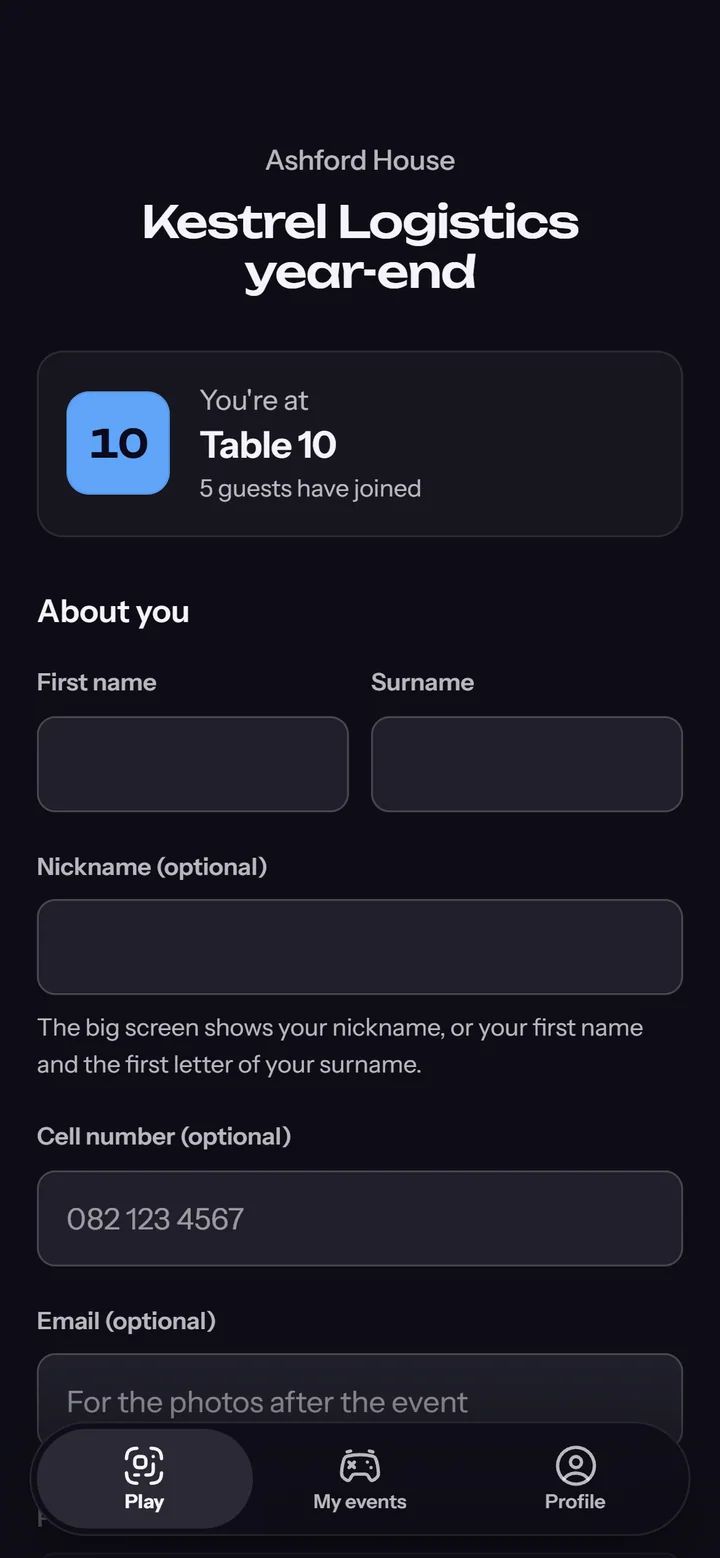
    A guest’s phone after scanning a table card: the table they’re at and the details the event asks for.
    A printed table card with the client’s logo, the table, its QR code and its four-character code.
    A guest’s phone after scanning the card on table 10, and the printed card for table 1.
  2. 19:00Name Your Table

    Joining is the first game

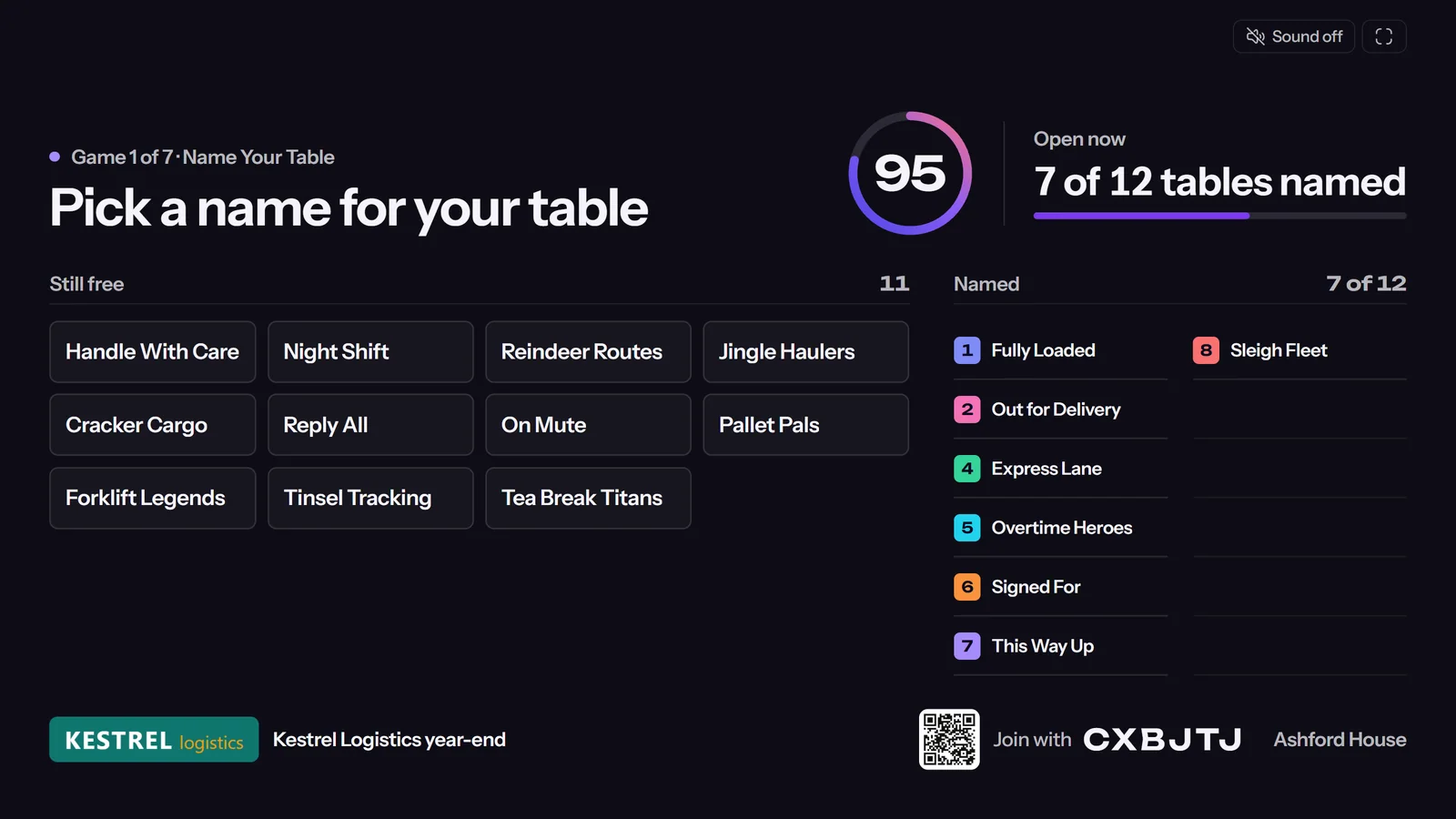
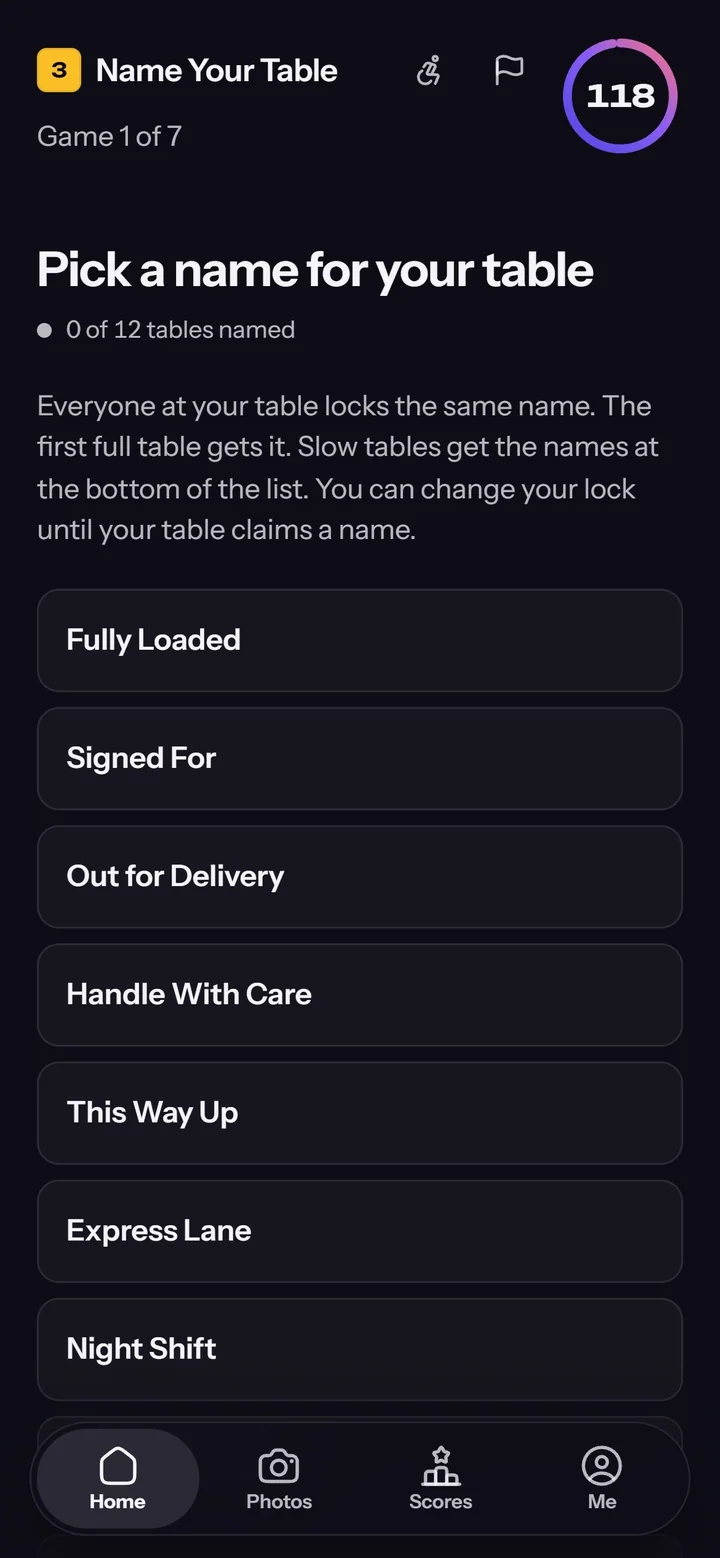
    Each table picks a name from the event’s list. The first table to agree gets it, and it drops off every other table’s list. Then each table elects a leader, who decides for the table later in the night.

    Run by the MC

    The big screen during Name Your Table: the list of table names, with the names tables have already claimed marked in their colours.
    A guest’s phone during Name Your Table, with the names still free to pick.
    The big screen as tables claim their names, and a guest’s phone with the names still free.
  3. 19:18Quickfire

    The producer runs it from a laptop

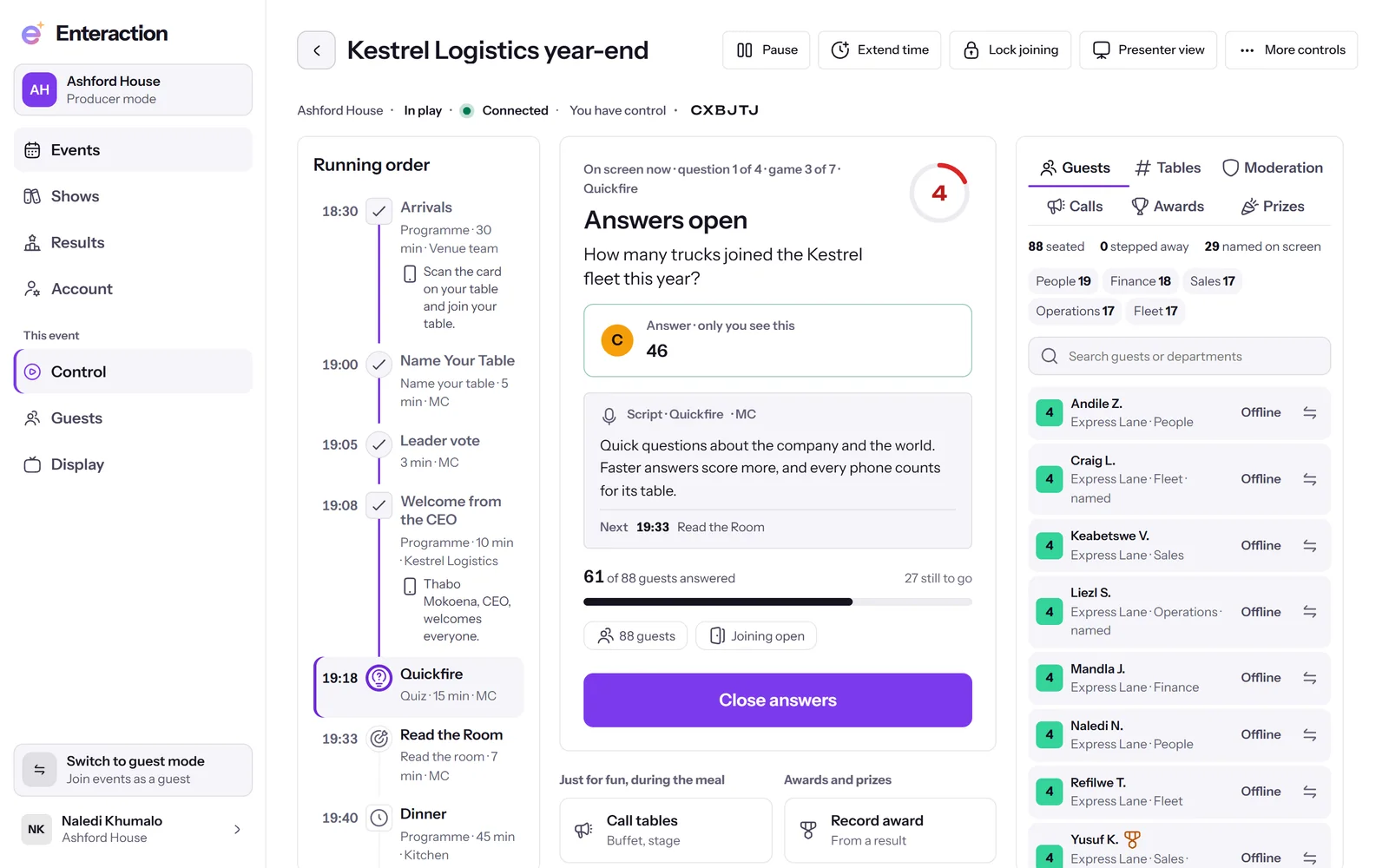
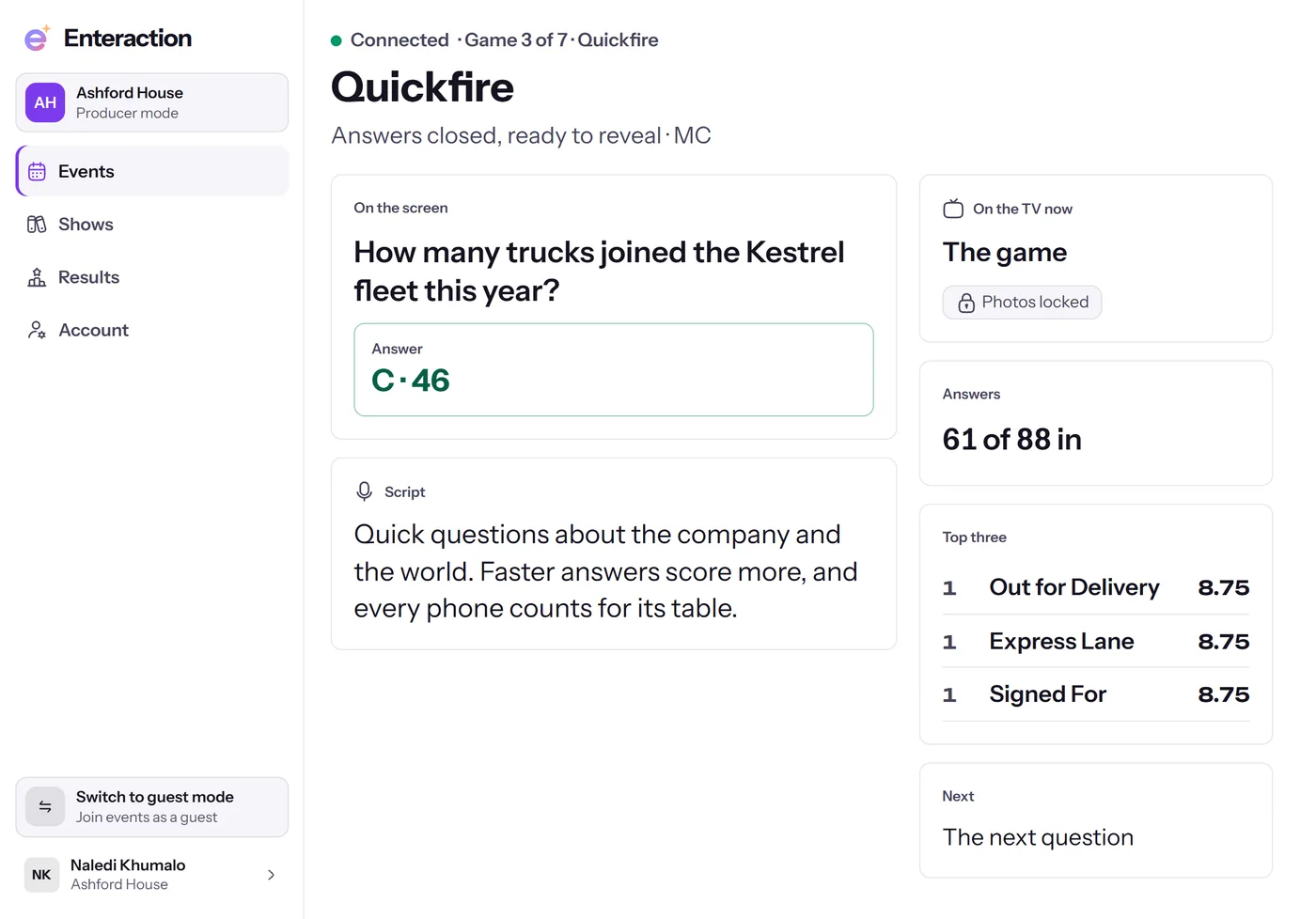
    The producer’s desk shows the running order, what’s on the big screen, the answer and how many guests have answered. The MC gets a presenter view on a tablet, with the script and what comes next.

    Run by the producer and the MC

    The producer’s desk on a laptop during a question: what’s on screen, the answer, the MC’s script and how many have answered.
    The MC’s presenter view on a tablet: the question on screen, the answer, the script and what’s next.
    The producer’s desk during a question about the company, and the MC’s presenter view.
  4. 19:40Dinner

    Tables are called to the buffet

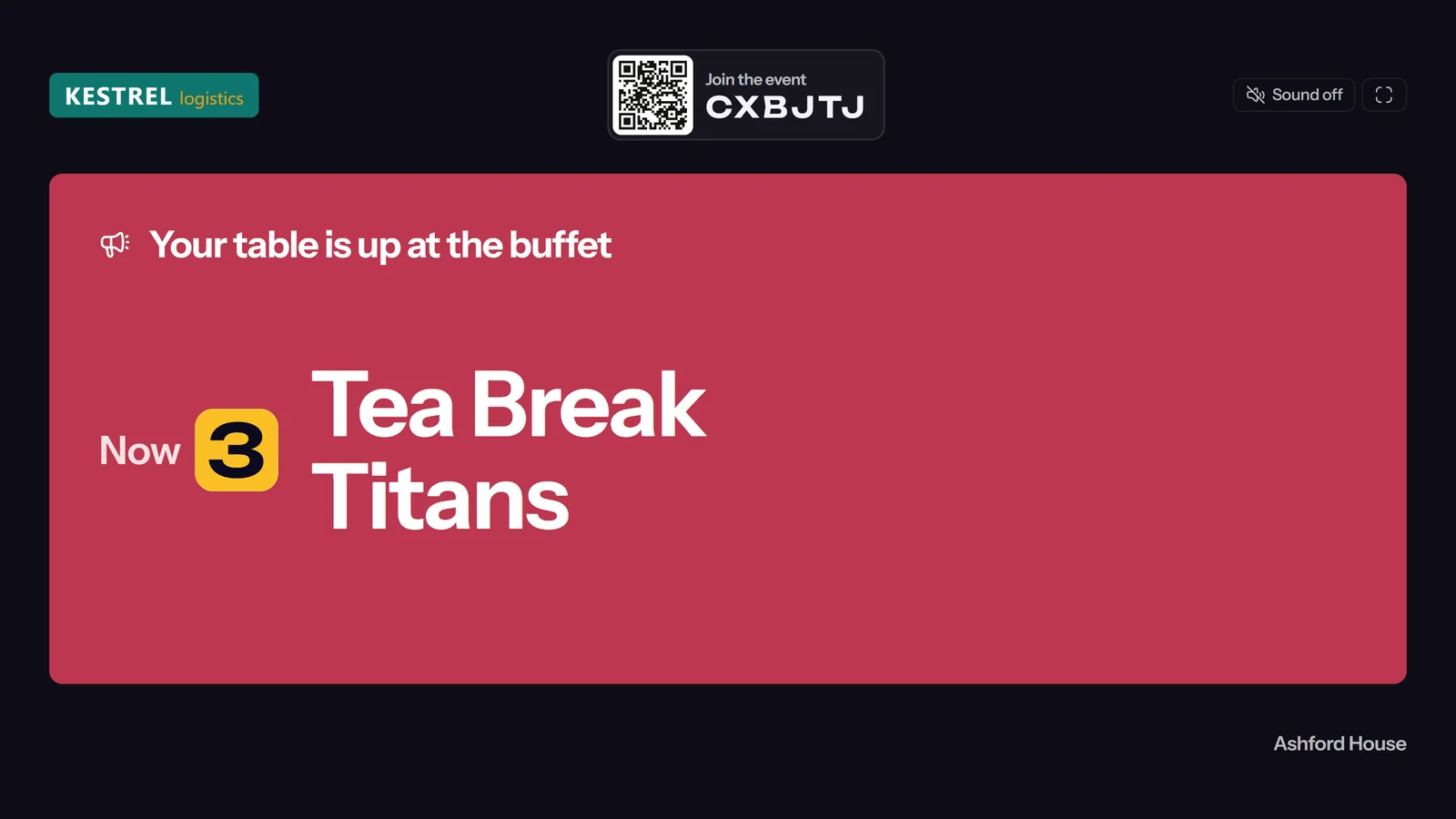
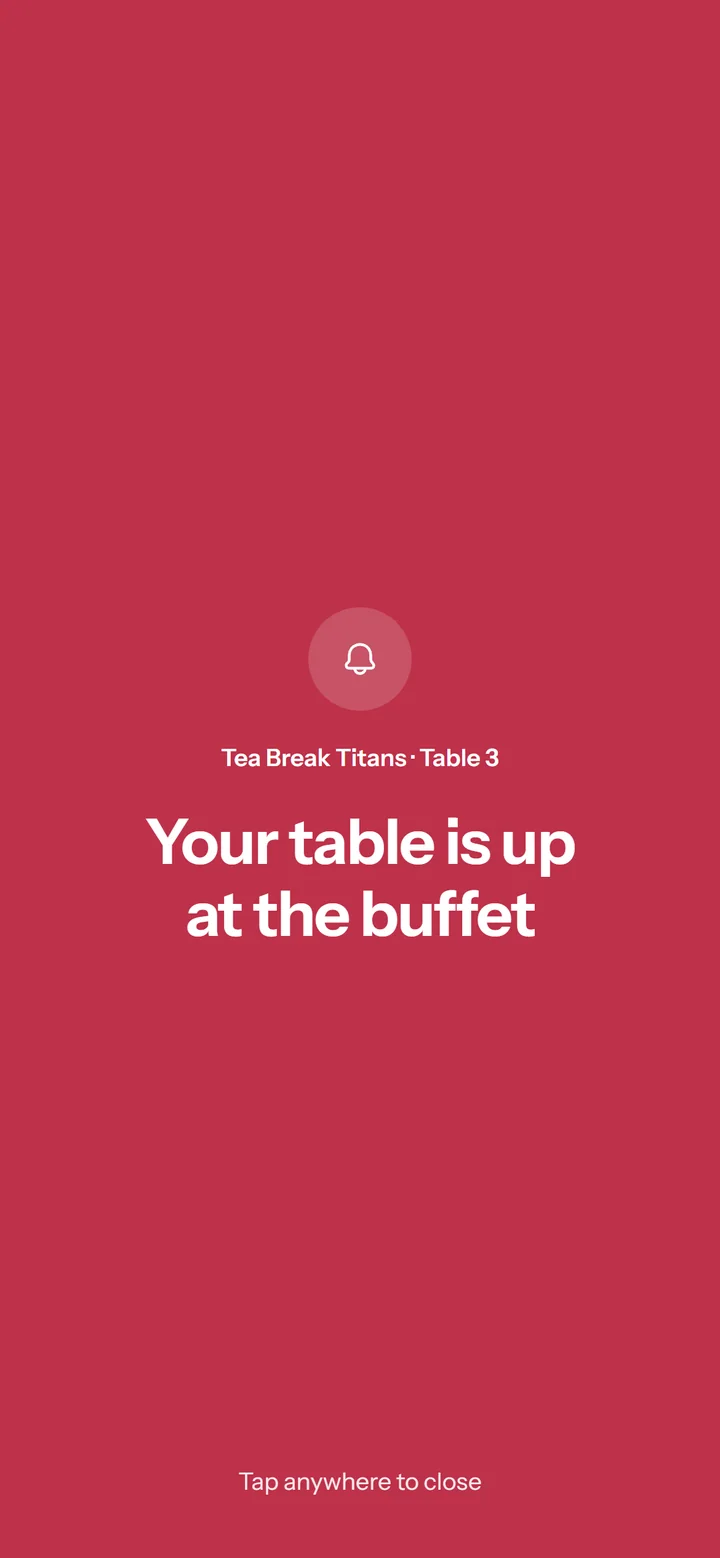
    Dinner is part of the running order too. The producer calls tables one at a time, in board order or at random. The called table’s phones change colour and the big screen shows who’s up next.

    Run by the producer

    The big screen calling table 3, Tea Break Titans, to the buffet.
    A guest’s phone when their table is called to the buffet.
    The big screen calling table 3, and the phone of a guest sitting there.
  5. 21:05Awards

    Awards voted live, then printed

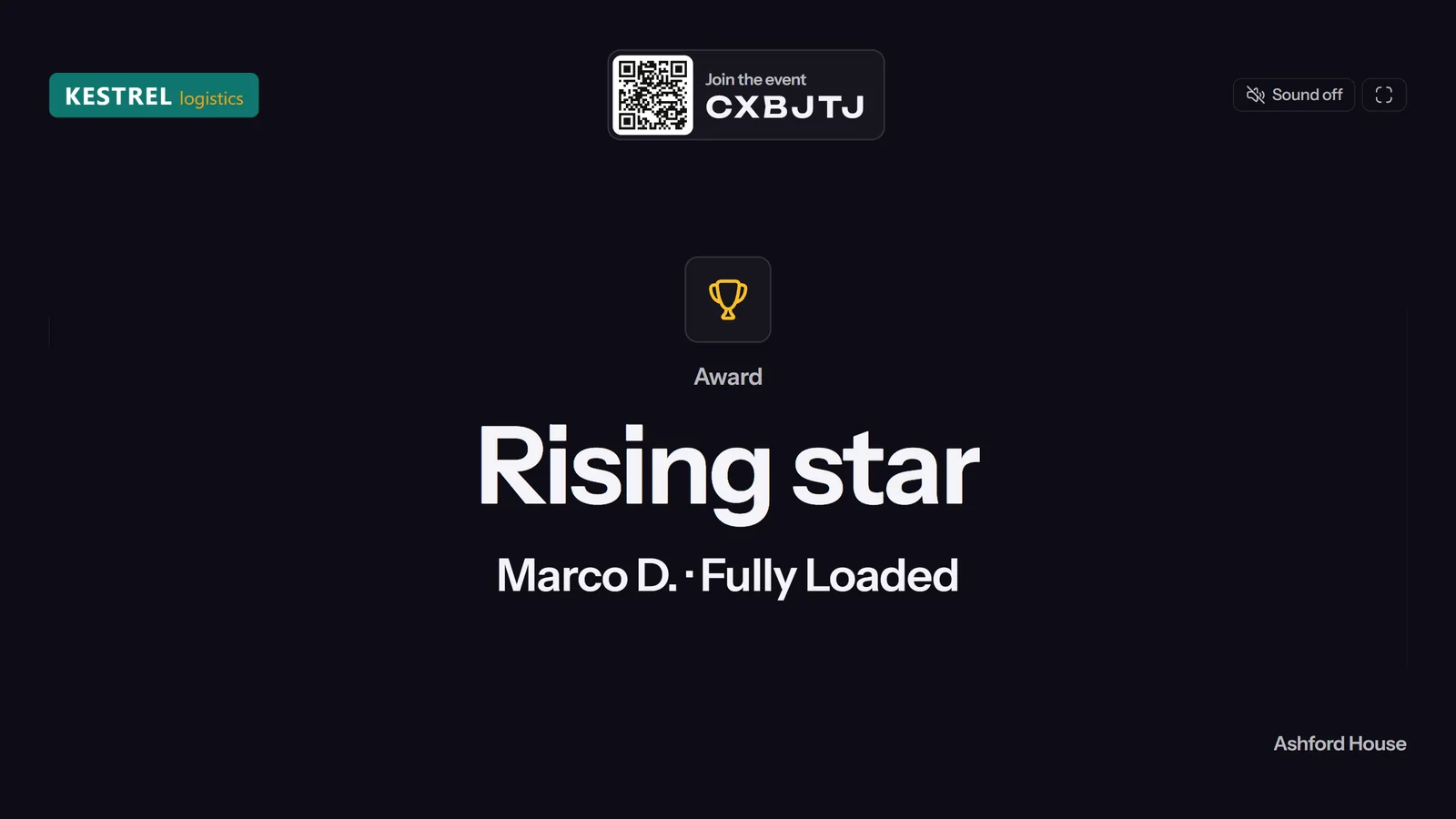
    Run a live award vote and the room watches the leading names race on the big screen. The winner is announced on screen, and every award prints as a certificate with the client’s logo.

    Run by the MC and the producer

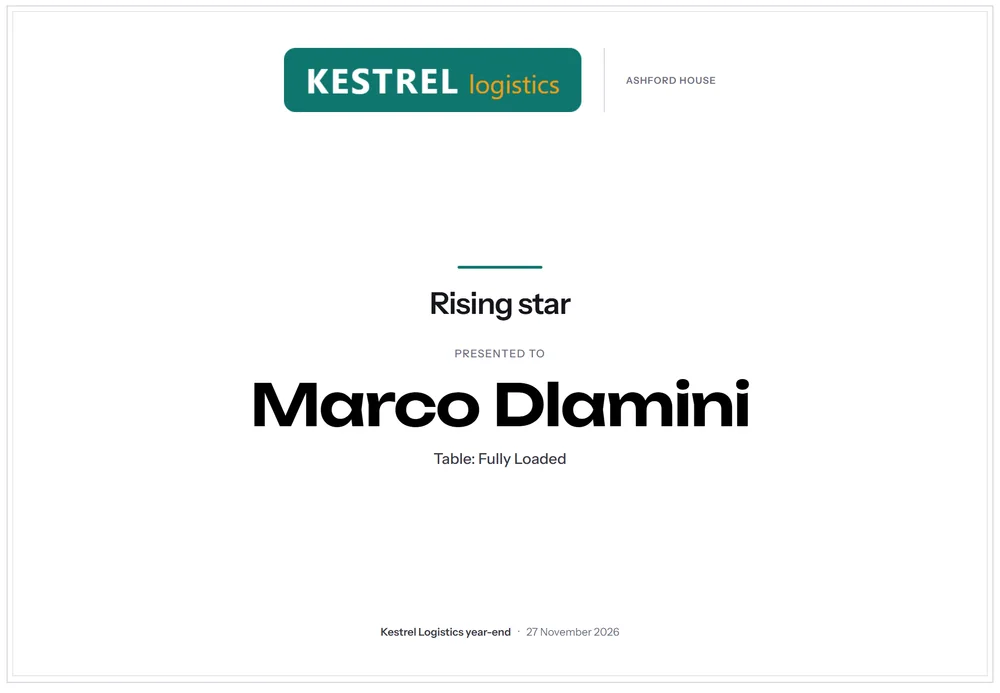
    The big screen announcing the Rising star award and the winner’s table.
    A printed award certificate in the client’s colours.
    The Rising star award on the big screen, and its certificate.

Every step, from the client’s brief to the last award

For any company event

Pick the games that suit the event and put them in its running order. Some starting points:

Year-end function
Name Your Table at arrivals, Quickfire about the year, Live Band Bingo with the band, and staff awards voted live.
Conference
Room Pulse polls between sessions, Quickfire on the conference topics, and a Spotlight Draw for prizes at the close.
Team building
Tables play as teams through Read the Room, Three Ways and Caption Clash, with the table board on the big screen between rounds.
Product launch
Quickfire about the new product, Boss or Celebrity? with quotes from your leadership, and a live poll on the launch.
Sales kick-off
Quickfire on the year’s numbers, Split the Room to find finalists for a stage challenge, and awards for the top performers.
Awards evening
Live award votes with the leading names racing on screen, Rate It for the speeches, and certificates printed with your logo.
Client event
Your client’s logo and colours on every screen, light games through the meal, and a draw for prizes.

The company’s brand on every screen

Add the company’s logo and colours once. They go on the big screen, every guest’s phone, the printed table cards and the award certificates, and you reuse them for the company’s next event.

Their own questions
Mix in trivia about the company, quotes from the CEO and polls about the year.
A tone they’re comfortable with
Clean, cheeky or bold, agreed before the event.
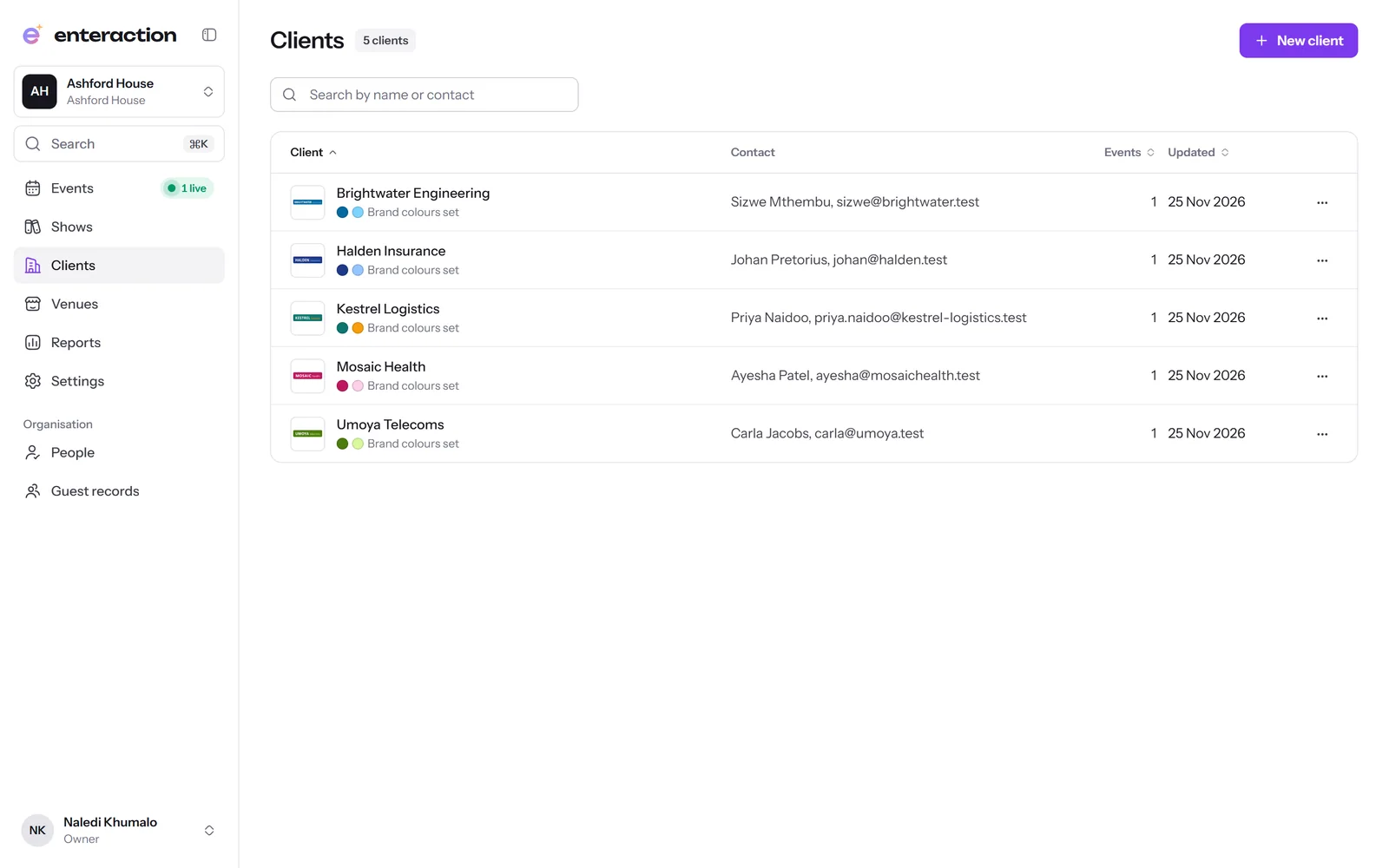
The admin’s list of clients, each with its logo and colours.
A printed award certificate in the client’s colours.
Clients in the admin, each with a logo and two colours, and an award certificate printed with one.

Games for every part of the event

19 formats to warm up the room, keep it busy through a meal, find finalists for the stage and finish with the awards. Ones marked coming are being built.

How each game plays

Made for a room full of colleagues

It’s a work event, so everything a guest sends is checked before it reaches the big screen.

How we handle data, reliability and support
Every typed word is checked
Captions, song requests and anything else a guest types are screened before they can reach the big screen, and the producer can hold each one for approval. Photos always wait for the producer.
Names only with consent
A guest’s name appears next to their answers only if they’ve turned that on. Otherwise the screen shows counts.
No chat
Guests can’t message each other through Enteraction.
A tone for each event
Choose clean, cheeky or bold with the client. A Three Ways vote about colleagues only opens at a bold event.
Guest details are deleted on a schedule
Names and contact details are removed 180 days after the event unless the venue sets a shorter or longer period, from 30 days to three years.

See it on an event like yours

Tell us about the events you run or are planning. We’ll show you one from the producer’s laptop, the big screen and a guest’s phone, and send you a quote.